How to make your first booking
A phone call: dates, lake, party, boats, save. Prove the grid works before you open online booking.
Steps
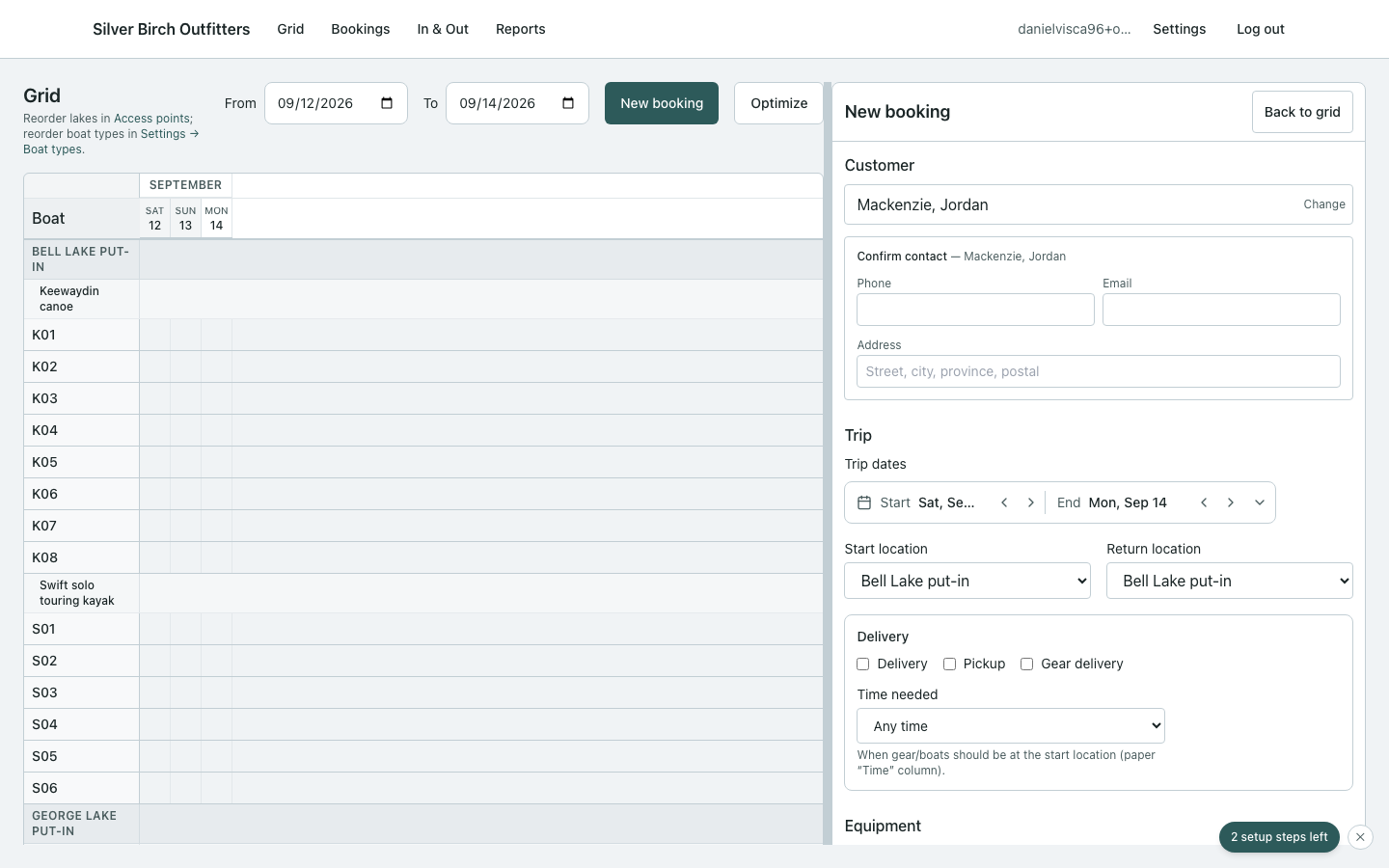
- Open Bookings → New (or New booking from the grid).
- Pick customer (or create one), start/end dates, access and exit points.
- Enter adults / children. Watch the recommendation list — it prefers boats already near that lake when your prioritization says so.
- Accept or change boats. Check the quote.
- Save. Open the grid — the block should sit on the right hulls and days.
If inventory is short
You’ll see Not enough gear in inventory. Change dates/party, or Force save anyway — the booking is marked needs attention until you sort stock.