How to turn on online booking
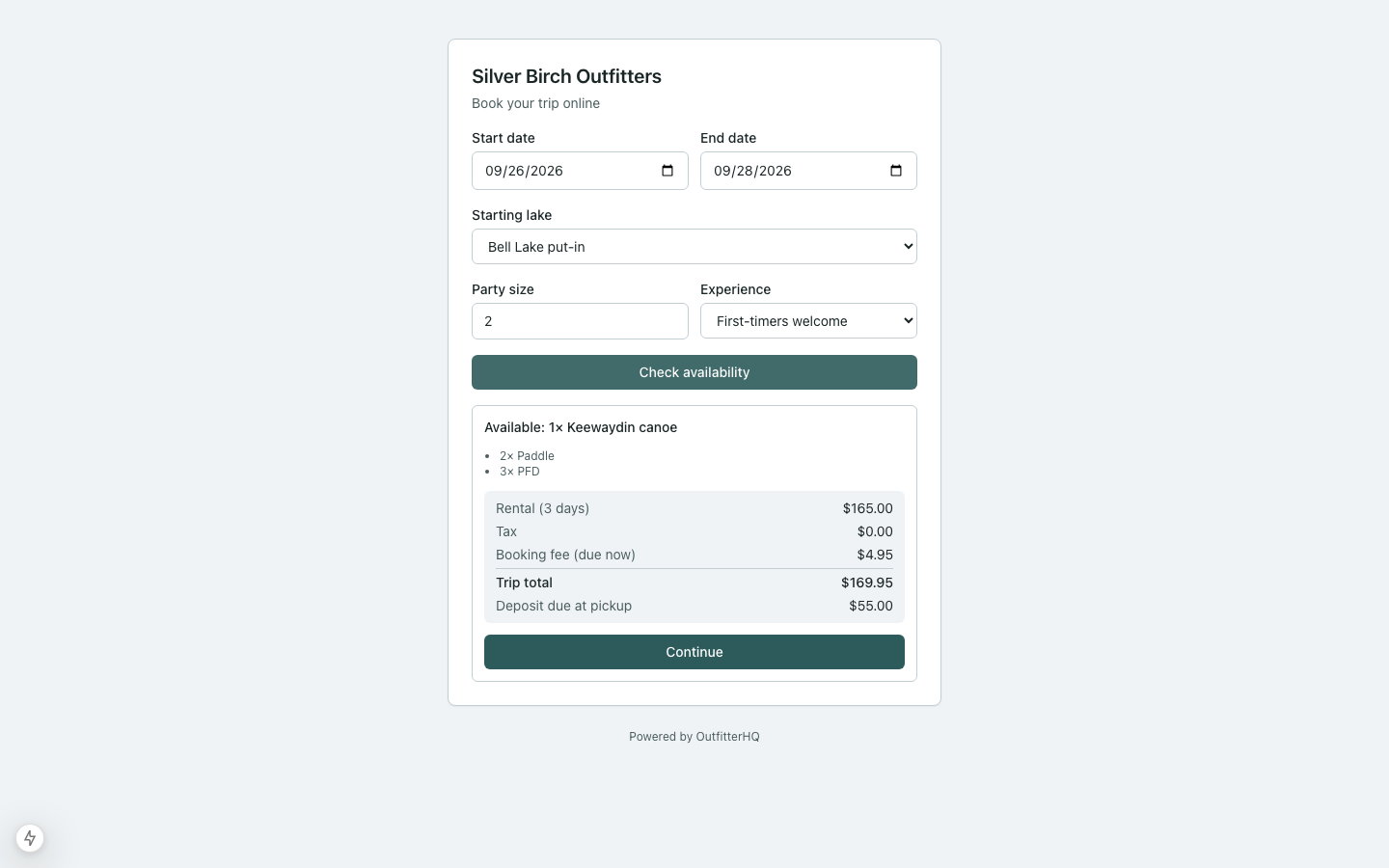
Guests book on your link — /book/your-slug — into the same grid staff use.
Steps
- In setup or settings, enable online booking and set your public slug.
- Confirm which boat types / packages are public.
- Open the guest URL in a private window. Walk a test quote.
- Share the link on your site — not a marketplace listing. Or Settings → Business → copy the embed script and pick a colour so the checkout sits on a page you already have.
- If you chose review-first, Bookings in the nav shows a count while requests wait. Open Bookings to approve or decline.
- If Places map & outfit stops is on, Settings → Booking rules has Show the put-in map on the booking page. Leave it on unless you only want the check-in sentence.
- If Custom fields & booking form is on, questions marked for guests appear on the Details step. Required guest fields cannot be skipped.
Limits
- Guests don’t see other guests’ names or your internal notes.
- Staff can always override on the desk form.