How to sign up and verify
Create your outfitter, confirm your email, and land in the app.
Steps
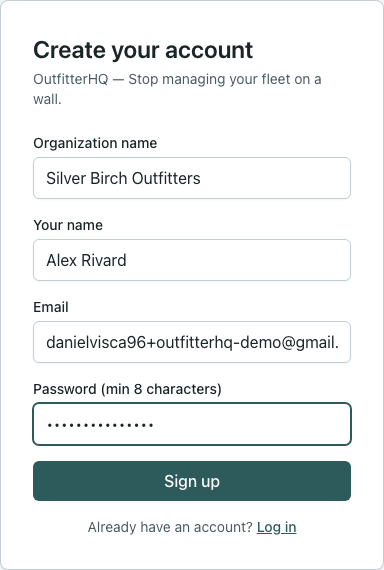
- Open outfitterhq.ca/signup.
- Enter your name, work email, password, and shop name.
- Submit. You’ll get a verification email — open it on the same device if you can.
- Click the link. You should land in Set up your outfitter (or the grid if setup was skipped).
What “done” looks like
You’re logged in under your outfitter. The top bar shows OutfitterHQ, not the public marketing site.
Limits
- One person creates the outfitter; invite others later (How to invite your team).
- If the email never arrives, check spam, then use Resend on the verify screen.